






LogoHushgen

Magi 2 AI Video Generator

Use Magi 2 on Hushgen online to turn a text prompt, a starting image with an optional last frame, or up to 20 reference files into a 4–30 second 1080p video with synchronized audio. No separate Sand.ai account or subscription needed.

  • 4–30s continuous takes
  • 1080p output
  • Native audio & lip sync
  • Up to 20 reference files

Magi 2 sample videos

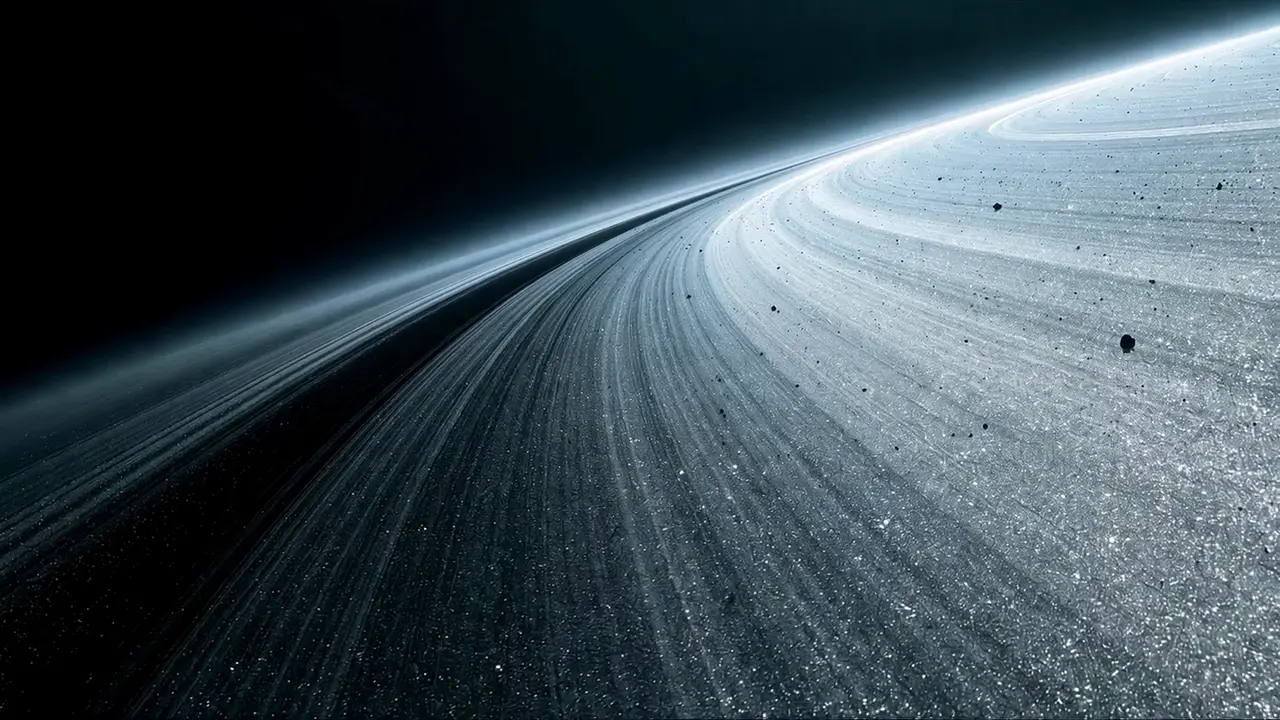
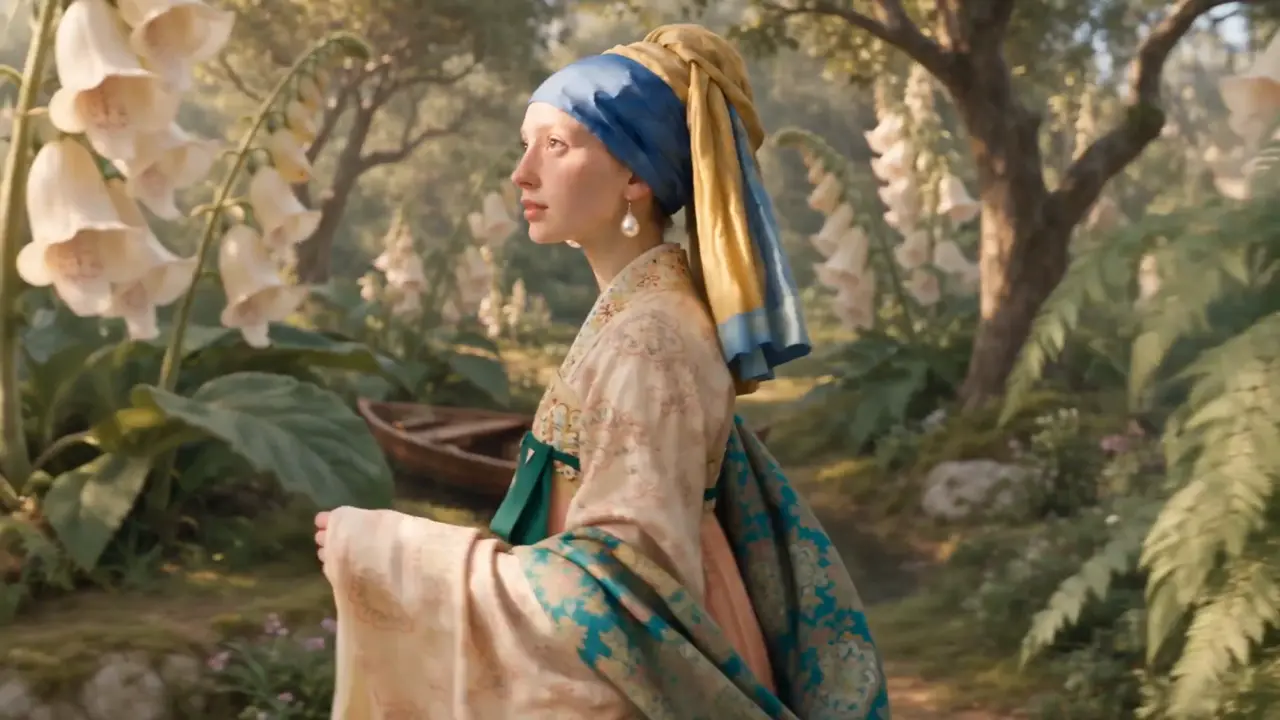
Official Magi 2 clips in different lengths and aspect ratios. Hover to preview, select to watch with sound.

What is Magi 2?

Magi 2 is a 480-billion-parameter video generation model developed by Sand.ai, released on November 24, 2026. Built on a Multi-Head Latent Mixture-of-Experts single-stream Transformer with roughly 28 billion active parameters and pre-trained on 4 trillion tokens, it generates 4 to 30 seconds of 1080p video and native audio together, and accepts up to 20 image, video and audio references in one request.

continuous single take
30s
full HD output on Hushgen
1080p
reference files per request
20
MoE parameters (~28B active)
480B

Three Hushgen tools: Text, Image and Reference to Video

On Hushgen, Magi 2 runs in Text to Video (a prompt), Image to Video (a first frame, a prompt and an optional last frame) and Reference to Video (up to 10 images, 5 videos and 5 audio files). Every tool outputs 4 to 30 seconds at 1080p, with optional generated audio and seed control.

No Sand.ai subscription needed

You do not need a separate Sand.ai account or subscription to use Magi 2 here. Hushgen credits work across Magi 2, Seedance 2.5, Kling 4.0, Veo 3.1, Wan 2.7 and image models, so one balance covers every model on the site.

From Sand.ai’s announcement
“Built for end-to-end creative workflows, MAGI-2 generates synchronized video and audio natively within a single backbone—including dialogue with lip-sync, foley, ambient sound, and music.”
“It generates up to 30 seconds of 1080p, 25 fps native audio-video, supports omni-reference across images, video, and audio (up to 20 media items per native request), precision timeline control, and video editing.”

Source: Sand.ai: MAGI-2: A 480B Frontier Video Generation Model (November 24, 2026)

Hushgen is an independent platform that offers Magi 2. Hushgen is not affiliated with or endorsed by Sand.ai.

Magi 2 at a glance

Updated
Model
Magi 2
Developer
Sand.ai
Architecture
480B Multi-Head Latent MoE (~28B active), 4T pre-training tokens
Released
November 24, 2026
Tools on Hushgen
Text to Video, Image to Video, Reference to Video
Output
1080p MP4, with optional native audio
Duration per generation
4 to 30 seconds, any whole second
Aspect ratios
Text & Reference: 16:9, 9:16, 1:1, 4:3, 3:4, 21:9 · Image: Auto, 16:9, 9:16, 1:1, 4:3, 3:4
Frame control (Image to Video)
First frame + optional last frame (prompt required)
References (Reference to Video)
Up to 10 images, 5 videos (30s total), 5 audio files (30s total)
Seed
Optional integer from 0 to 2,147,483,647
Price on Hushgen
32 credits/s at 1080p (same price with or without audio)

Magi 2 key features

What changes from Magi 2 Preview (114B) to the full 480B Magi 2 release, illustrated with official Sand.ai sample clips.

Official Magi 2 sample

One continuous 30-second take at 1080p

Magi 2 generates any whole-second length from 4 to 30 seconds in a single pass and upscales in latent space to full 1080p. Long camera walks, stylistic transitions and multi-beat scenes play out without manual stitching.

  • Choose any integer duration from 4 to 30 seconds
  • Flat 32 credits per second across all durations
  • Reference images are re-injected during 1080p upscaling to preserve faces and text

Official Magi 2 sample

Synchronized dialogue, lip sync, foley and music

Because text, video and audio tokens are processed together in one single-stream Transformer backbone, speech, footsteps, street ambience and musical score evolve in lockstep with on-screen motion.

  • Generated audio is enabled by default in Advanced settings and can be switched off
  • Audio adds zero extra credit cost
  • Supports multi-speaker dialogue and subtle close-up foley

Official Magi 2 sample

Omni-reference across images, video and audio

Reference to Video accepts up to 10 images, 5 videos and 5 audio files (20 items in total) with no extra reference surcharge. Lock character appearance, wardrobe and multiple environments in one prompt.

  • Up to 10 reference images for characters, props and locations
  • Up to 5 reference videos and 5 audio clips (30s total each)
  • References are optional; prompt-only generation also works

Official Magi 2 sample

480B MoE scale for stable physics and lighting

Scaling from the 114B Magi 2 Preview to 480B total parameters (~28B active) and 4T pre-training tokens raises Sand.ai’s 4-task average Elo on Artificial Analysis Video Arena v2.1 from 998.5 to 1150.3 (+151.8 points).

  • Natural dawn-to-daylight shifts, water reflections and atmospheric depth
  • First-frame and optional last-frame anchoring in Image to Video
  • Optional integer seed (0–2,147,483,647) for repeatable tests

First and last frame anchoring

In Image to Video, upload a starting image and an optional ending image so Magi 2 bridges both compositions cleanly over 4 to 30 seconds.

Audio toggle and reproducible seeds

Unlike models where sound cannot be muted or seeds are locked out, Magi 2 lets you toggle audio generation on or off and set an integer seed in Advanced settings across all three tools.

Flat per-second pricing even with references

Every Magi 2 tool on Hushgen costs 32 credits per second at 1080p—adding reference videos, reference audio or generated sound does not increase the credit rate.

What you can do with Magi 2 on Hushgen

Magi 2 runs in three Hushgen tools. Each one lists Magi 2 in its model menu.

Inputs and outputs

ToolYou provideYou get
Text to VideoA text prompt (up to 15,000 characters). Spoken lines can be placed in quotes with the language named.A 4–30 second 1080p video in 16:9, 9:16, 1:1, 4:3, 3:4 or 21:9, with synchronized audio on by default.
Image to VideoA starting image, a text prompt describing the motion, and an optional last-frame image.A 4–30 second 1080p video that follows your starting image’s framing by default (or 16:9, 9:16, 1:1, 4:3, 3:4), with optional audio.
Reference to VideoA prompt plus optional references: up to 10 images, 5 videos (2–30s each, 30s total) and 5 audio files (2–30s each, 30s total).A 4–30 second 1080p video in 16:9, 9:16, 1:1, 4:3, 3:4 or 21:9 that keeps your referenced characters, environments, motion or sound cues.

How to make a Magi 2 video

  1. 1

    Pick a Magi 2 workflow

    Use the generator at the top of this page—which opens with Magi 2 preselected—or open Text to Video, Image to Video or Reference to Video and choose Magi 2 from the model menu.

  2. 2

    Write your prompt and upload media

    Describe the action, camera movement and sound. In Image to Video, upload a first frame and an optional last frame. In Reference to Video, add up to 10 images, 5 videos and 5 audio clips.

  3. 3

    Set duration, aspect ratio and advanced options

    Drag the duration slider from 4 to 30 seconds and pick an aspect ratio. Open Advanced settings if you want to mute audio generation or lock a seed between 0 and 2,147,483,647.

  4. 4

    Generate at 1080p

    Check the live credit count on the Generate button and start the run. Credits are deducted when the task starts and refunded automatically if a task fails.

  5. 5

    Watch with sound and download

    Play the finished 1080p MP4 inline with audio, download it, or reopen its exact prompt and settings later from My Creations.

Magi 2 prompt examples

Write prompts like a shot list: subject, action, camera, light and sound. Put spoken lines in double quotes.

30-second walk through changing art styles

Text to Video

30s · 1080p · 16:9 · audio on

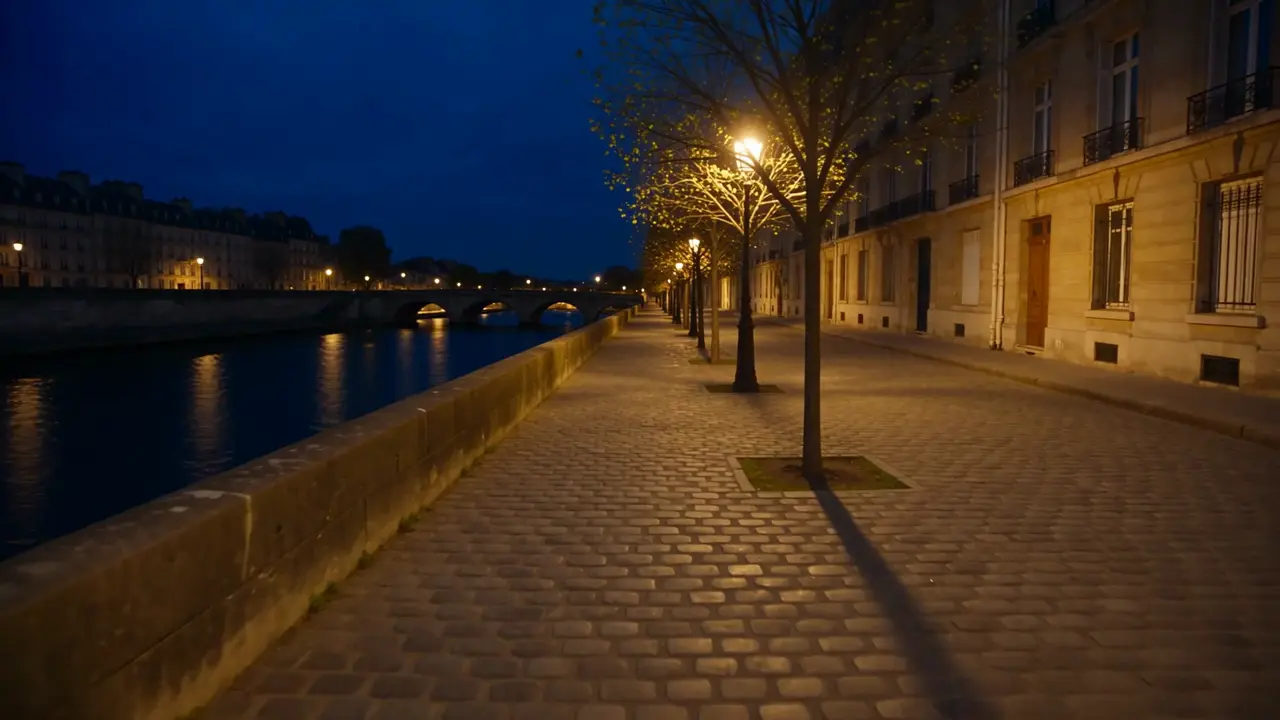
First-person POV walking along a quiet riverside promenade at dusk. Every 6 seconds, as a passing lamppost or tree branch crosses the frame, the entire world transitions smoothly into a new painting style: oil impressionism, golden Art Nouveau mosaic, ink-and-wash watercolor, pointillism, and crisp nocturnal realism. Footsteps on stone, gentle river water, and a soft chamber strings melody.


Backstage dialogue close-up with lip sync

Text to Video

12s · 1080p · 16:9 · audio on

Warm tungsten bulbs frame a dressing-room mirror. A stage actor adjusts his collar, looks into the glass and says in calm English, "Five minutes to curtain—let’s make this count." Shallow depth of field, faint muffled crowd murmur beyond the door, crisp room tone.

Vertical rainy-night street walk

Text to Video

8s · 1080p · 9:16 · audio on

Handheld 9:16 vertical tracking shot following a cyclist pushing a vintage bicycle through a narrow neon-lit alley after rain. Puddles mirror magenta and amber shop signs; steam rises from a corner noodle stall. Tire clicks on wet brick, distant city traffic and rain.

Multi-scene character shot from references

Reference to Video

3 reference images · 15s · 1080p · 21:9 · audio on

Keep the explorer’s face and weathered olive parka from the first reference image. 0–5s: wide 21:9 shot crossing the black-sand ridge from the second reference image in strong wind. 5–10s: low-angle tracking shot of boots crunching frost beside a glacial stream. 10–15s: close-up as she looks up toward the glowing ice cavern from the third reference image. Arctic wind and footsteps on gravel.

Magi 2 pricing

Magi 2 is billed in Hushgen credits per second of video. Credits are shared with every model and come with plans and credit packs.

Magi 2 credits for Text to Video and Image to Video
ResolutionPer second4-second video5-second video10-second video30-second video
1080p32 credits128 credits160 credits320 credits960 credits
  • Magi 2 costs a flat 32 credits per second at 1080p across Text to Video, Image to Video and Reference to Video.
  • Generated audio is included in that rate—toggling Generate audio on or off does not change the credit price.
  • Adding reference images, reference videos or reference audio files in Reference to Video adds no extra per-second context fee.
  • New accounts receive 50 free credits to explore Hushgen; a 4-second Magi 2 clip starts at 128 credits, so a subscription or credit pack is needed when signup credits are below 128.
See plans and credit packs

Magi 2 vs Kling 4.0 on Hushgen

Both frontier models generate up to 30-second 1080p clips with native audio on Hushgen. Compare their inputs, controls and 1080p credit rates.

FeatureMagi 2Kling 4.0
Developer & architectureSand.ai · 480B Multi-Head Latent MoEKuaishou (Kling AI)
Duration per generation4–30 seconds (any whole second)3–30 seconds (any whole second)
Resolution on Hushgen1080p720p, 1080p
Audio controlOn by default, can be turned offAlways generated
Reference to Video limits10 images, 5 videos, 5 audios (20 total)10 images, 5 videos, 3 audios (15 total)
Image to Video frame controlFirst frame + optional last frameFirst frame + last frame + keyframes (up to 10)
Seed controlYes (0–2,147,483,647)No
Video Extend toolNoYes (3–30 seconds)
10-second 1080p clip (no ref video)320 credits940 credits

Choose Magi 2 for lower-cost 1080p generation (32 credits/s), up to 20 reference files with no reference-video surcharge, optional silent output, or reproducible seeds.

Choose Kling 4.0 when you need multi-keyframe animation in Image to Video, Video Extend, or lower-cost 720p drafts (62.8 credits/s).

Limitations

What Magi 2 on Hushgen does not do, so you can decide whether it fits your project.

  • Each generation is 4 to 30 seconds. Magi 2 does not currently include a dedicated Video Extend mode on Hushgen.
  • Magi 2 always outputs 1080p MP4; there is no lower-priced 480p/720p draft tier or 4K option.
  • In Image to Video, a non-empty text prompt is required, in-between keyframe lists are not supported (first frame and optional last frame only), and 21:9 is available in Text to Video and Reference to Video rather than Image to Video.
  • Reference videos and reference audio clips must each be 2 to 30 seconds and up to 30 seconds in combined duration per media type.
  • Negative prompts and a keep-original-sound toggle are not supported by Magi 2.
  • Sand.ai notes in its release post that extreme high-speed motion can occasionally show trajectory artifacts, and 2D animation in medium or wide shots can appear overly smooth in fine local motion.
  • Prompts or uploads that violate our Acceptable Use Policy may be blocked by moderation.

Magi 2 FAQ

What is Magi 2?

Magi 2 is a 480-billion-parameter (~28B active) Mixture-of-Experts audio-video generation model developed by Sand.ai and released on November 24, 2026. It generates 4 to 30 seconds of 1080p video and synchronized audio in a single pass, and accepts up to 20 reference files.

Where can I use Magi 2 online?

You can use Magi 2 in your browser on Hushgen in three tools: Text to Video, Image to Video and Reference to Video. The generator at the top of this page opens with Magi 2 already selected.

Do I need a Sand.ai account or subscription to use Magi 2 on Hushgen?

No. Magi 2 on Hushgen runs on Hushgen credits, so you only need a Hushgen account and credits—no separate Sand.ai account or membership is required.

Is Hushgen the official Magi 2 website?

No. Hushgen is an independent platform that offers Magi 2. Hushgen is not affiliated with or endorsed by Sand.ai.

How much does Magi 2 cost on Hushgen?

Magi 2 costs 32 credits per second at 1080p across all three tools, with audio and reference inputs included at no extra charge. A 4-second clip costs 128 credits, a 5-second clip 160 credits, a 10-second clip 320 credits, and a 30-second clip 960 credits.

Can I try Magi 2 before subscribing?

New Hushgen accounts receive 50 free credits. Because a 4-second 1080p Magi 2 clip starts at 128 credits, you will need a one-time credit pack or a subscription plan if your free balance is below 128 credits. You can also watch all official samples on this page before buying.

Can I use Magi 2 and other video models with one subscription?

Yes. One Hushgen credit balance works across Magi 2, Seedance 2.5, Kling 4.0, Veo 3.1, Wan 2.7 and every image model on Hushgen.

Does Magi 2 generate sound, dialogue and lip sync?

Yes. Magi 2 generates dialogue with lip sync, sound effects, ambience and music natively alongside the video. Generate audio is turned on by default in Advanced settings, and you can switch it off whenever you want a silent clip.

How many reference files can I use in Magi 2 Reference to Video?

Up to 10 images, 5 videos (2–30 seconds each, 30 seconds total) and 5 audio files (2–30 seconds each, 30 seconds total), for up to 20 files in a single request. References are optional.

What is the difference between Magi 2 and Magi 2 Preview?

Sand.ai released Magi 2 Preview in August 2026 with roughly 114B total parameters (~6B active). Magi 2 scales that Multi-Head Latent MoE architecture more than 4× to 480B total parameters (~28B active) on 4T tokens, adds RL post-training and 1080p latent upscaling with reference re-injection, and lifts its 4-task average Elo on Artificial Analysis Video Arena v2.1 from 998.5 to 1150.3.

What is the difference between Magi 2 and Kling 4.0 on Hushgen?

Both generate up to 30-second 1080p clips with native audio. Magi 2 is cheaper at 1080p (320 credits vs 940 credits for 10 seconds), accepts up to 20 reference files with no reference-video surcharge, lets you mute audio generation, and supports a fixed seed. Kling 4.0 adds multi-keyframe Image to Video, Video Extend, and a 720p draft option.

Can I link to a prepared Magi 2 generation?

Yes. Add query parameters to pre-fill the generator on this page, for example /magi-2?model=sand-ai/magi-2/text-to-video&duration=10&quality=1080p&prompt=A%20glass%20kettle%20steaming%20in%20morning%20light. Supported parameters are model, tab, duration (4–30), quality (1080p), audio=0 (to turn audio off) and prompt.

Can I cancel my subscription or get a refund?

You can cancel a subscription yourself at any time in your account. If you have not used any credits from a payment, email support@hushgen.com within 7 days of the charge for a full refund. A payment cannot be refunded once its credits have been used or after 7 days.